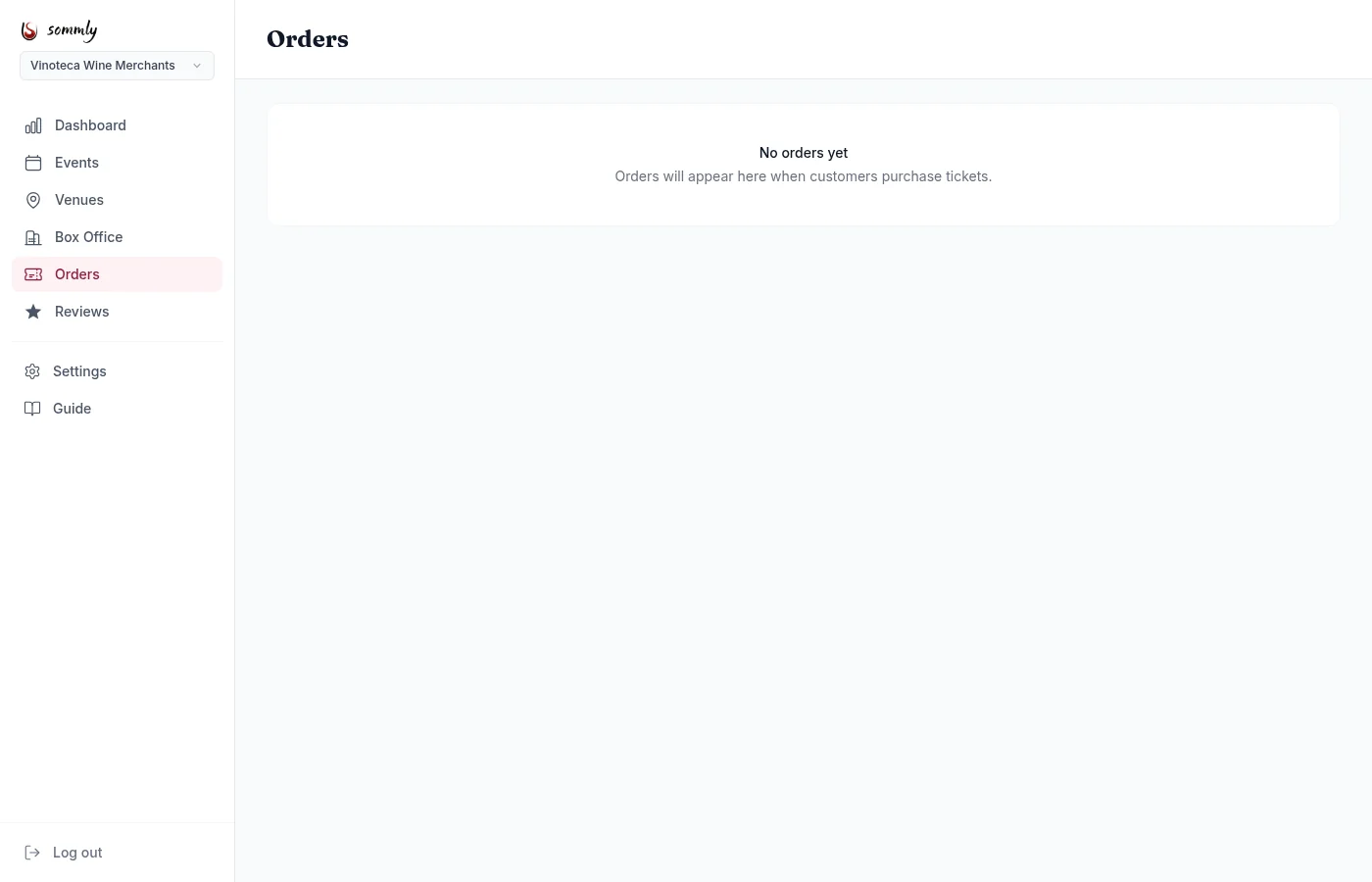
The Orders page is the ledger. Every online purchase and every box office sale shows up here, across all your events.
Opening an order
Click any row to see the order detail page. You get:
- Buyer name, email, and order status (Completed, Pending, Refunded, Partially Refunded, Failed).
- Line items: which tier, how many, and the unit price.
- Total paid, plus any amount already refunded.
- The Mollie payment ID for online orders, so you can cross-reference in your Mollie dashboard.
- The list of ticket codes generated by the order.
Issuing a refund
On the order detail page, hit Refund Order at the top right. A confirmation modal opens asking you to confirm the full amount.
When you confirm, Sommly tells Mollie to refund the buyer's original payment method and updates the order status to Refunded. The buyer is emailed automatically.
Heads up
Note
Buyer-requested refunds
Buyers can start a refund themselves via their order confirmation email or their My Orders page. They enter the email the order was placed under, Sommly checks eligibility (set by your event's refund deadline), and if eligible the refund goes through automatically.
You will see the resulting refund appear against the order with a buyer-requested badge. No action needed from you unless you want to reach out and ask what happened.
Refund deadlines
Each event has a refund policy, set when you create or edit the event: no refunds, or refunds allowed up to a set number of hours before the event starts. Buyers who request a refund outside the window are told the event is not refundable and pointed to contact you directly.