Honest reviews help the next person decide whether an event is for them. You can rate any event you have been to and any business you have booked with.
Leaving a review
Open the event or business page and look for the Leave a review button in the Reviews section. Tap it and a small panel opens.
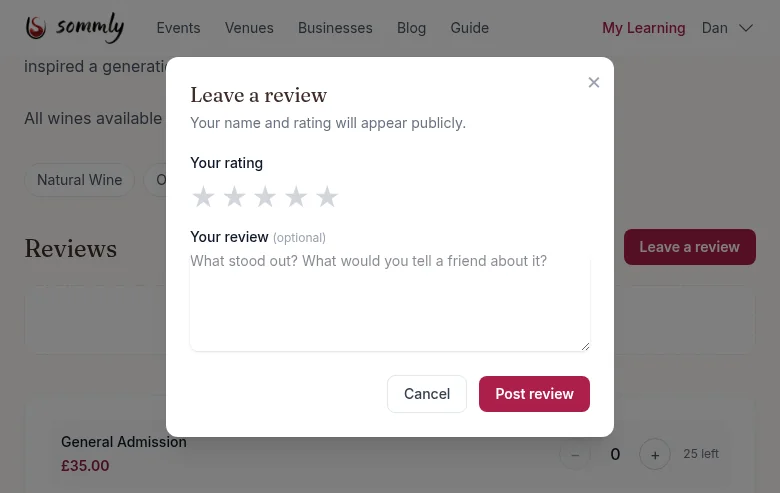
- Your rating. Tap a star from one to five.
- Your review. Optional but helpful. Stick to what stood out: the wines, the host, the room, the value.
- Your display name and rating appear publicly. Your email never does.
If you are not signed in
Tap Leave a review and enter your email. We send a magic link, you click it, and the review form appears. We remember what you were reviewing, so you will not lose your place.
Editing or deleting
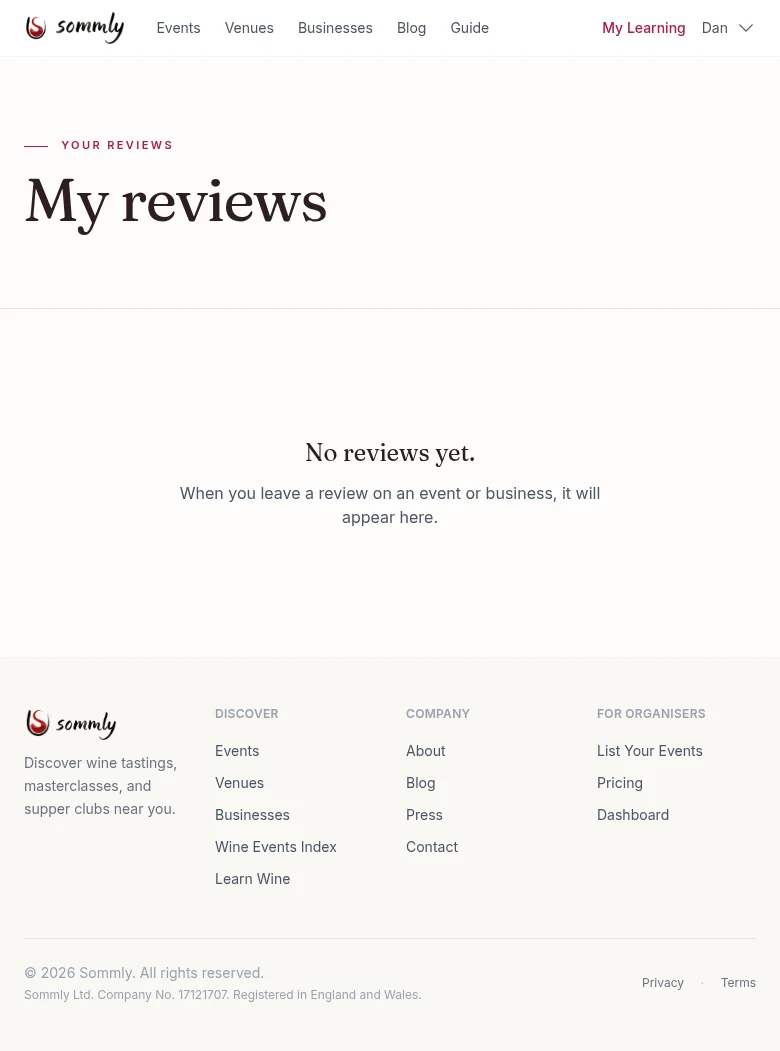
Head to My Reviews for everything you have written. You can edit or delete your own reviews at any time.
Flagging a review that looks off
See a review that breaks the rules (abusive, off-topic, clearly fake, or obviously from a competitor)? Tap the Report link beneath it and pick a reason. Sommly checks every flag within 24 hours. Reviews that break the guidelines come down.
Note
When the business replies
Organisers can reply once to each review. Their reply sits underneath yours and is clearly labelled as coming from the business. You cannot edit their reply, but you can update your own review if the reply changes your mind.